
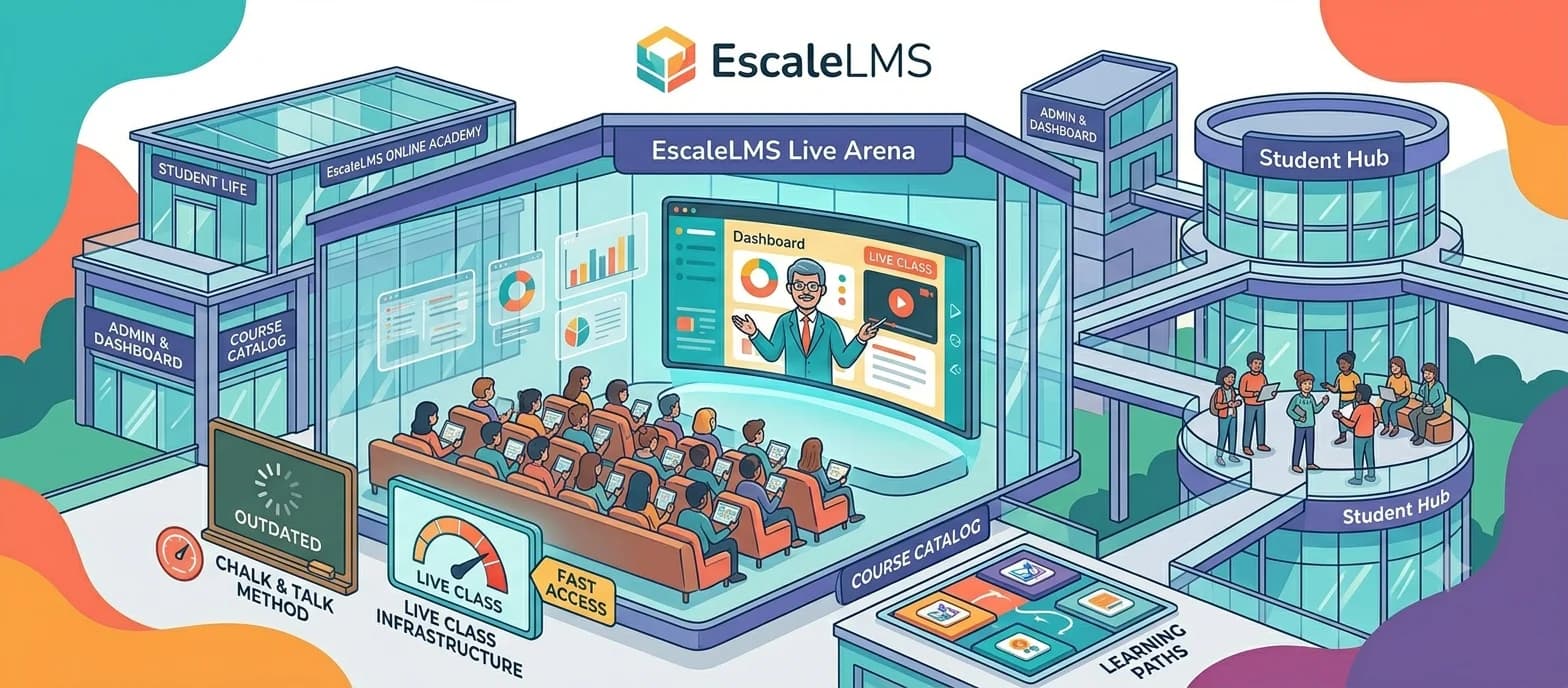
EscaleLMS Update: Host Live Classes Directly from Your Online Academy
At Empirical Studio, we have spent months building one of the most requested features from EscaleLMS creators. Today we can say it is ready: live classes are now part of the platform.
The Problem We Wanted to Solve
Until now, if a teacher wanted to combine their online academy with live sessions, they had to juggle multiple tools: Zoom for the video call, Google Calendar to manage scheduling, email or WhatsApp for invitations, and EscaleLMS for the course content. Too many pieces to coordinate manually.
That creates friction for the teacher, confusion for the student, and in many cases, classes that simply never happen because the logistics drain all the energy. We wanted organizing a live class to be as easy as uploading a video or creating a quiz — everything in one place.
What the Update Includes
Integrated Video Calls with Screen Sharing
EscaleLMS live classes use video conferencing technology integrated directly into the platform — no installations, no external accounts needed. The teacher starts the session from their course panel and students join with a single click. During the session, any participant can share their screen, perfect for presentations, software demos, exercise reviews, or any visual content.
Invitation Management for Students and External Guests
Not every class is limited to enrolled students. The platform now allows inviting external participants via a unique token link. The teacher controls who has access and can revoke invitations at any time. For students already enrolled in the course, invitations are managed directly from the panel without sending emails manually.
Event Types: Class, Workshop, Talk, or Seminar
Not all live sessions are the same. EscaleLMS now lets you distinguish between four event types, each with its own color code and label visible to students:
- Class — standard training sessions
- Workshop — hands-on practice and guided exercises
- Talk — presentations or more informal content
- Seminar — academic or in-depth sessions
This distinction helps students prepare better and allows teachers to organize their calendar more clearly.
RSVP and Attendance Confirmation
Students can confirm their attendance for each session. The teacher sees in real time how many seats are taken and can schedule automatic reminders for those who have confirmed.
Capacity Control
Each session can have a participant limit. When capacity is reached, the platform reflects it visually. Management is fully automatic.
Who Is This For?
- Teachers combining recorded courses with live tutoring
- Academies running regular practical workshops
- Consultants and coaches delivering small-group training
- Creators who want to add value with live Q&A sessions
If you already use EscaleLMS, live classes are available in your panel at no additional cost. If you are not yet familiar with the platform, we invite you to try it at escalelms.com or explore the project in the Empirical Studio portfolio.
At Empirical Studio we keep building software that solves real problems from day one. Shall we talk about your academy?
Related Insights
When AI Recommends Tools, Is Yours on the List? The New Digital Positioning Playground
Traditional SEO is changing. We analyze how to structure your web platform and data so that AI models recommend your product.
Read Article →JavaScript Grows Up: Why the ES2026 Specification is a Declaration of War on External Libraries
Ecma International officially approves ECMAScript 2026. We analyze how the language natively absorbs historical challenges in mathematical precision, async streams, and data formatting.
Read Article →