
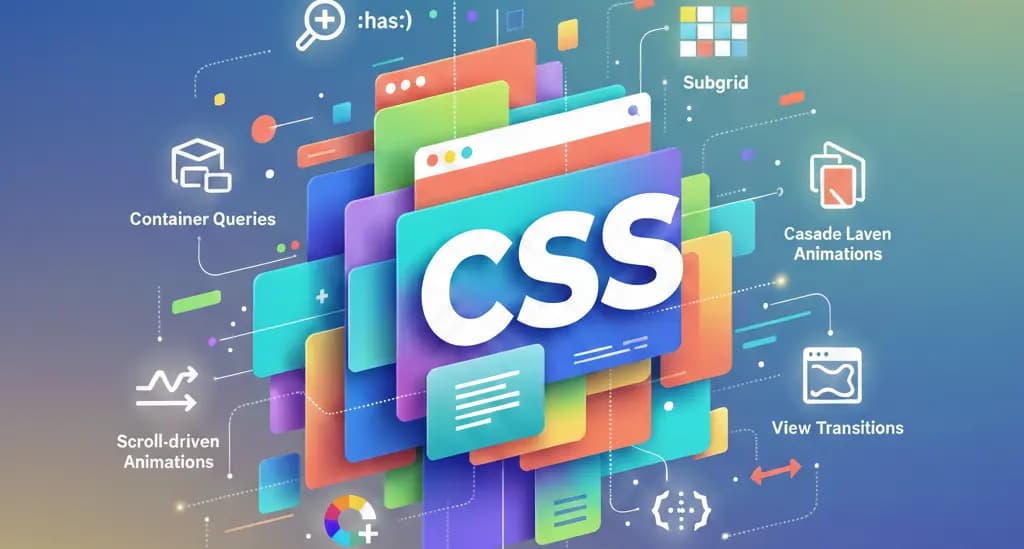
The New Standard: 10 CSS Features You Must Master in 2026
Web layout has stopped being a struggle against browsers and has become an orchestra of precision. At Empirical Studio, we've selected the 10 features that have transformed our workflow.
The Top 10 Modern CSS Essentials
1. Container Queries (@container)
They allow a component to change its style based on the space available in its parent container, not just the screen width. This makes components truly modular.
2. The :has() Selector
The "relational selector" allows styling an element based on its children. It used to require JavaScript; now it's a single line of native CSS.
3. CSS Subgrid
Enables child elements to perfectly align with the parent's grid, ensuring visual harmony regardless of the content.
4. Cascade Layers (@layer)
Total control over specificity. Allows organizing CSS into priority levels to avoid conflicts with external libraries.
5. Scroll-driven Animations
Parallax or progress effects that react to scrolling natively at 60fps, eliminating lag from JS libraries.
6. Color Mix & Relative Colors
Dynamic color manipulation directly in the browser, allowing for on-the-fly brand variant creation.
7. View Transitions API
Smooth transitions between pages that offer a "native app" experience with minimal effort.
8. Native CSS Nesting
Write cleaner, more readable code without the need for preprocessors like SASS.
9. Anchor Positioning
Automatically and precisely links floating elements (menus, tooltips) to reference elements.
10. Logical Properties
Using margin-inline and padding-block for designs that automatically adapt to different languages and reading directions.
"These tools aren't trends; they are the foundation of the efficient web we build at Empirical Studio."
Related Insights
When AI Recommends Tools, Is Yours on the List? The New Digital Positioning Playground
Traditional SEO is changing. We analyze how to structure your web platform and data so that AI models recommend your product.
Read Article →JavaScript Grows Up: Why the ES2026 Specification is a Declaration of War on External Libraries
Ecma International officially approves ECMAScript 2026. We analyze how the language natively absorbs historical challenges in mathematical precision, async streams, and data formatting.
Read Article →